
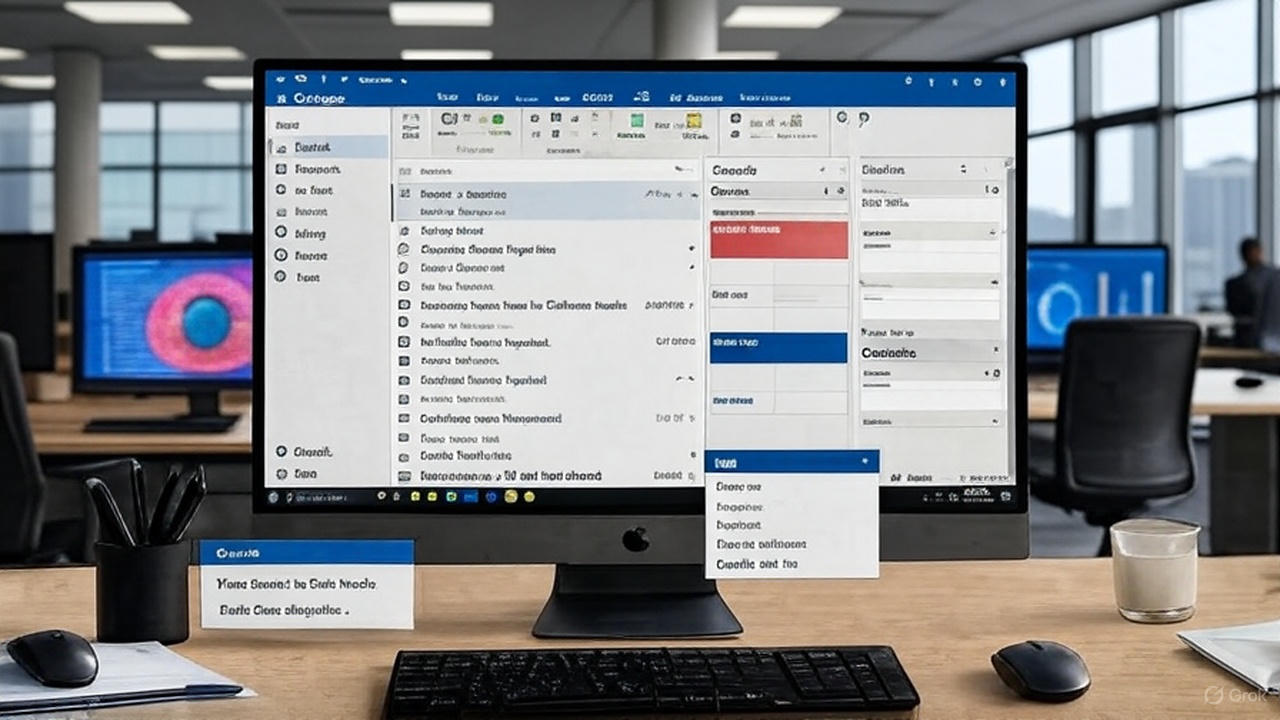
In today’s fast-paced digital world, email isn’t just a tool—it’s the lifeline of business communication. Microsoft Outlook stands out as one of the most robust platforms for managing emails, calendars, contacts, and more, empowering professionals to stay organized and connected.
Whether you’re a small business owner juggling client inquiries or a corporate executive coordinating global teams, Outlook’s versatility makes it indispensable. But what happens when “Outlook won’t open” or it crashes mid-task? Frustration mounts, productivity plummets, and deadlines loom.
That’s where expert IT support like Westech comes in, ensuring you’re always up and running. In this post, we’ll dive into the key uses of Outlook and explore how Westech safeguards your workflow, drawing on proven troubleshooting from their comprehensive FAQ on why Outlook sometimes hangs.
The Power of Outlook: More Than Just Email
At its core, Outlook is an all-in-one personal information manager, seamlessly integrating email with productivity features. Let’s break down its primary uses that make it a staple in offices worldwide.
-
Seamless Email Management
Outlook’s email capabilities are legendary. It supports multiple accounts—Gmail, Yahoo, or corporate Exchange—allowing you to consolidate inboxes into one intuitive interface. Features like Quick Steps let you automate repetitive tasks, such as forwarding messages or categorizing them with color-coded flags. Imagine sifting through a flood of “Outlook won’t open” complaints from clients; with Outlook’s powerful search and filtering, you can archive, delete, or respond in seconds. Rules can even auto-sort incoming emails, ensuring urgent matters like invoice reminders never get buried. For businesses, this means faster response times and fewer missed opportunities, keeping customer satisfaction high.
-
Calendar and Scheduling Mastery
Gone are the days of double-booked meetings. Outlook’s calendar syncs effortlessly with Microsoft Teams and mobile devices, offering shared views for team coordination. You can set recurring events, send invites with RSVP tracking, and even overlay personal and work calendars. Need to block time for deep work? Color-coding and reminders make it effortless. In a hybrid work era, this feature prevents the chaos of “Outlook won’t open” errors derailing your day—because when your schedule is accessible, you’re always prepared for that virtual stand-up or client call.
-
Task and To-Do Lists for Peak Productivity
Outlook isn’t just reactive; it’s proactive. The Tasks module turns emails into actionable items with one click, complete with due dates, priorities, and progress tracking. Integrate it with OneNote for detailed notes, and suddenly, project management feels intuitive. For sales teams, this means tracking follow-ups without sticky notes; for managers, it’s oversight on deliverables. If “Outlook won’t open” strikes during a crunch, those unchecked tasks can snowball into missed deadlines. That’s why reliability matters—more on that later.
-
Contact Management and Networking
Building relationships? Outlook’s contacts store more than phone numbers—they hold company details, birthdays, and interaction histories. LinkedIn integration pulls in profiles, while distribution lists streamline mass communications. For CRM-lite functionality, export contacts to Excel or sync with Dynamics 365. In networking events, quickly pulling up a contact’s last email can seal a deal. Yet, a crashing app erases this edge; persistent “Outlook won’t open” issues can isolate you from your network, underscoring the need for uninterrupted access.
-
Advanced Collaboration and Integration
Outlook shines in ecosystems. It hooks into SharePoint for file sharing, Power Automate for workflows, and even third-party apps via add-ins. RSS feeds keep you updated on industry news, while junk mail filters learn from your habits. For remote teams, shared mailboxes foster collaboration without chaos. These integrations amplify Outlook’s value, but they also introduce complexity—add-ins gone awry are a common culprit when “Outlook won’t open” rears its head.
With over 400 million monthly active users, Outlook powers everything from solopreneur hustles to Fortune 500 operations. Its offline mode ensures you work unplugged, syncing changes upon reconnection. But as powerful as it is, technical glitches like crashes or hangs can halt momentum. Enter Westech, South Africa’s trusted IT support partner, dedicated to keeping your Outlook—and your business—humming.
When “Outlook Won’t Open”: Common Pitfalls and Quick Fixes
No one wants to stare at a frozen loading screen, especially at 9 AM on a Monday. “Outlook won’t open” is a frequent cry in IT helpdesks, often stemming from corrupted profiles, rogue add-ins, or outdated software. According to Westech’s insightful FAQ on why Outlook sometimes hangs, these issues are fixable with targeted steps. Their guide emphasizes practical, user-friendly troubleshooting to get you back online fast.
Westech Offers Solutions For “Outlook Slow and Not Responding” Issues
Start with Safe Mode: Press Windows + R, type outlook.exe /safe, and hit Enter. This launches Outlook without add-ins or custom settings, isolating the problem. If it opens smoothly, an add-in is likely the villain. Disable them one by one via File > Options > Add-ins—test after each to pinpoint the faulty one. Westech notes this as a top fix, as third-party extensions (think antivirus or CRM tools) often clash with updates.
Next, repair your Microsoft 365 installation. Head to Control Panel > Programs & Features, select Microsoft 365, and choose “Repair.” This scans and mends corrupted files without data loss. For stubborn cases where “Outlook won’t open” persists, create a new profile: In Control Panel, go to Mail > Show Profiles > Add. Migrate your data gradually, ensuring a clean slate.
These steps, detailed in Westech’s resource, resolve 80% of hang-ups for everyday users. But what if DIY fixes fall short? That’s where professional intervention shines.
Westech: Your Shield Against Downtime
Westech isn’t just an IT company; they’re the unsung heroes ensuring businesses in South Africa thrive digitally. Specializing in managed IT services, they handle everything from proactive monitoring to rapid response, tailored to sectors like finance, healthcare, and retail. When “Outlook won’t open” threatens your operations, Westech’s experts step in with forensic precision.
Their approach begins with prevention. Through remote monitoring, they track Outlook performance metrics—CPU usage, update status, and error logs—flagging issues before they escalate. Imagine automated alerts for pending patches; Westech applies them during off-hours, minimizing disruptions. For businesses reliant on Outlook for client portals or internal comms, this uptime guarantee translates to tangible ROI: fewer lost hours, happier teams.
Customization is key. Westech audits your setup, optimizing add-ins and profiles for your workflow. If “Outlook won’t open” stems from network lags, they fine-tune Exchange servers or migrate to cloud-based solutions like Microsoft 365. Their support isn’t reactive—it’s predictive. Using tools like Azure Sentinel, they anticipate vulnerabilities, from phishing attempts that corrupt PST files to hardware strains causing crashes.
Client stories abound. A Johannesburg law firm, crippled by weekly “Outlook won’t open” episodes, turned to Westech. Within days, a profile rebuild and add-in purge restored seamless access, saving 20 billable hours weekly. Similarly, a Cape Town retailer avoided Black Friday meltdowns through Westech’s 24/7 helpdesk, where technicians remotely resolved hangs via secure VPN.
Beyond fixes, Westech invests in your team. They offer training workshops on Outlook best practices—leveraging rules to cut email volume by 30% or using Focused Inbox for prioritization. This empowers users to sidestep common traps, reducing ticket volumes over time.
Security weaves through it all. With cyber threats rising, Westech layers Outlook with multi-factor authentication, encrypted archives, and anti-malware scans. When “Outlook won’t open” signals a breach, their incident response team isolates and remediates, often under an hour.
Wrapping Up: Outlook Optimized, Business Unstoppable
Microsoft Outlook’s uses—from email orchestration to task orchestration—position it as a productivity powerhouse. Yet, when “Outlook won’t open” disrupts the flow, it’s more than an annoyance; it’s a business risk. Westech mitigates this with expert, proactive IT support, as outlined in their go-to FAQ on why Outlook sometimes hangs. By blending self-help steps like Safe Mode launches and repairs with their tailored services, they ensure you’re not just running—you’re excelling.
Ready to fortify your Outlook setup? Visit Westech’s site for a free consultation. Don’t let technical hiccups hold you back; with the right partner, your inbox is always open for business.
IT Help Is Here
Contact Westech to get support for software, hardware and other IT related products & services.
We offer in-house and outsourced IT support.
Book an IT Audit and find out how Westech can help offer you a fully managed IT solution.
In Business …
Since 1995


Related Posts




In this artilce
Find Us on social
Recent Blog Articles




Looking for something?


IT Help Is Here
Contact Westech to get support for software, hardware and other IT related products & services.
We offer in-house and outsourced IT support.
Book an IT Audit and find out how Westech can help offer you a fully managed IT solution.
In Business …
Since 1995